Starts the session on iPhone.
Watches the QR code and delivery status.
Attendees scan the QR code at the venue.They read captions and listen to translated audio in their phone's browser.No app install.
01 Demo
Translated captions show on each attendee's phone. Translated audio plays there too.
02 The challenge
For small events, interpreter booking is not always realistic.
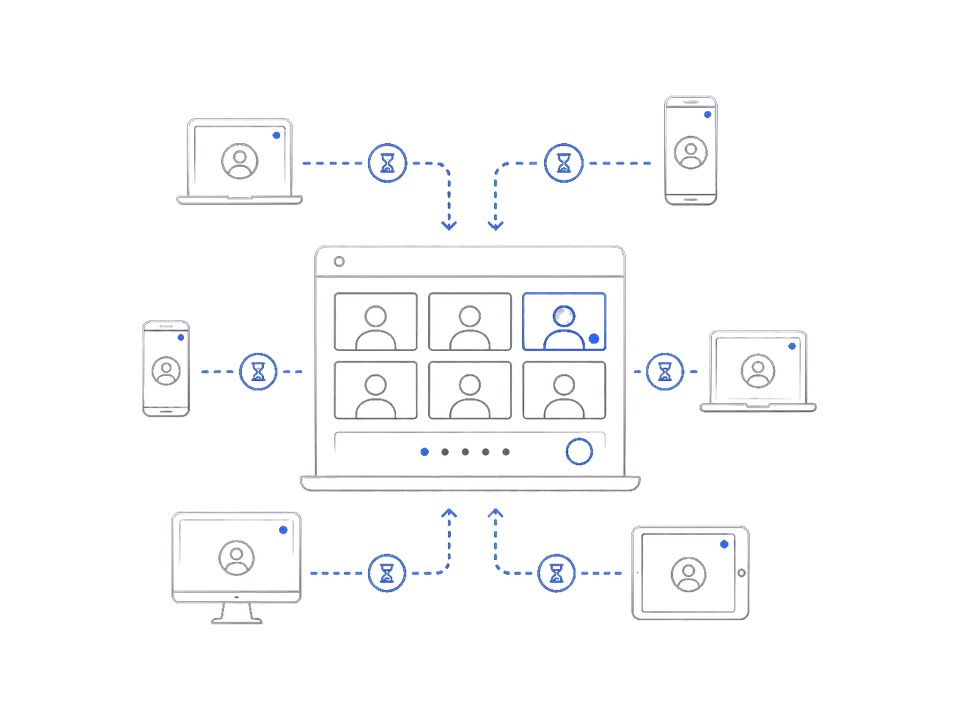
Asking every attendee to join a meeting app adds setup and support work.
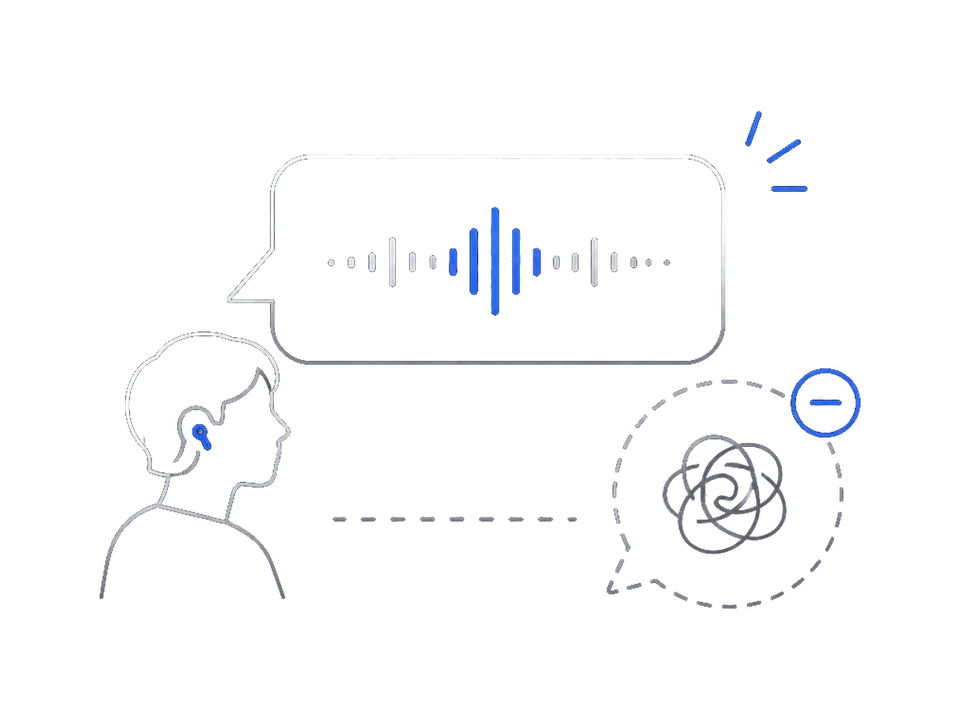
Participants unsure about listening can struggle to follow the flow.
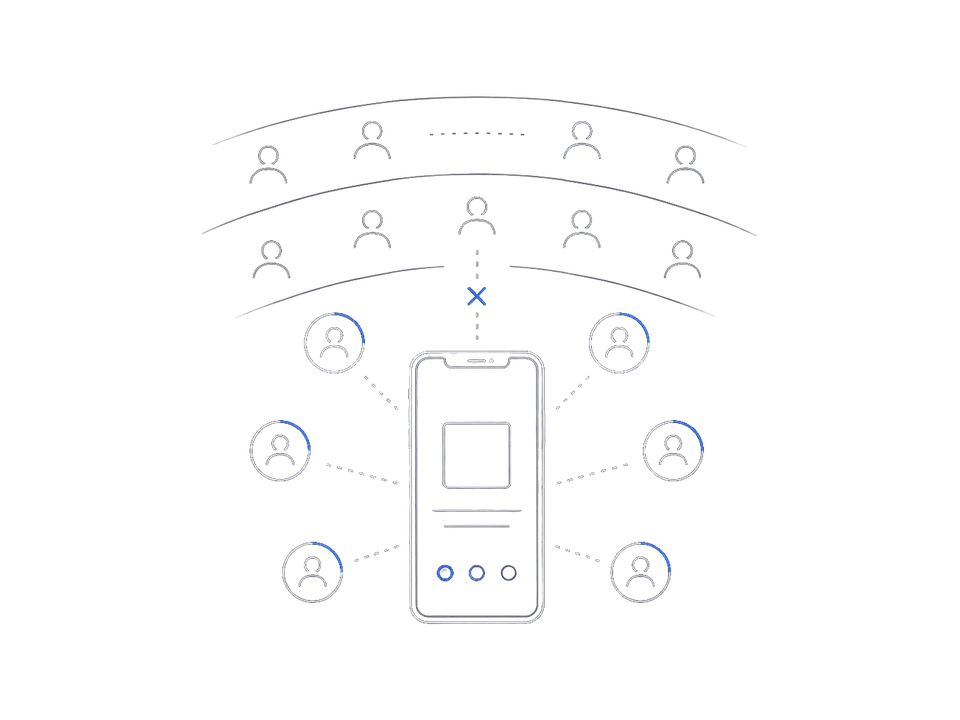
Individual apps are not built for venue-wide guidance.
03 What VoxFlight does
VoxFlight is a live translation service for small in-person events.
Starting a session issues a join QR code.
Attendees use captions and translated audio in their phone's browser.
Starts the session on iPhone.
Watches the QR code and delivery status.
Talks as usual.
Join from the QR code.
Read captions and listen to translated audio.
04 How it works
Pick the languages and check mic input on iPhone.
Put the join QR code on the venue screen or at reception.
They read captions and listen to translated audio in the browser.
05 The screens
These are captures from the current iPhone host app and attendee browser.
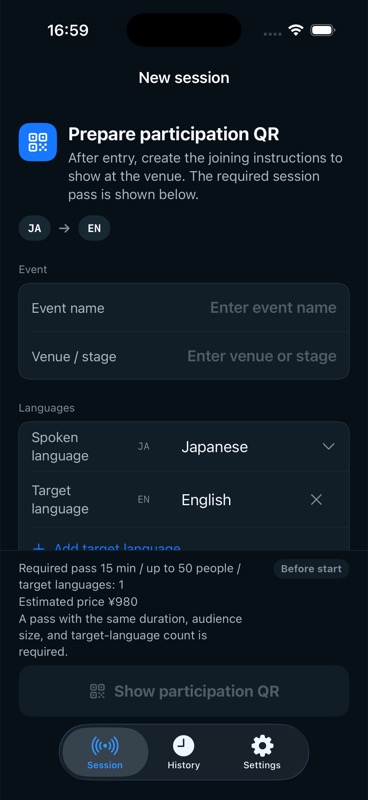
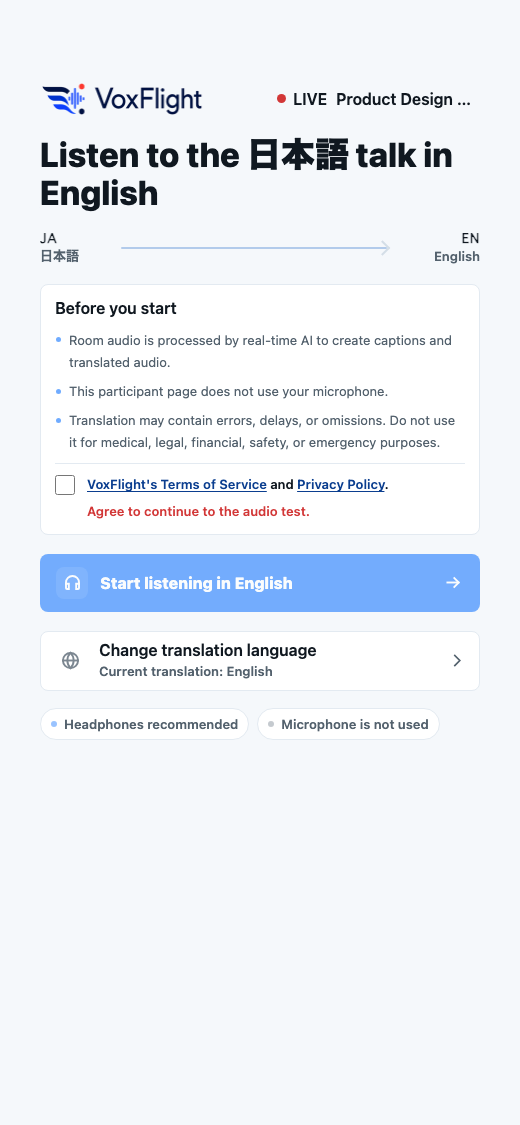
The talk's language and the translated languages are chosen per session.
06 Where it fits
Captions and audio for a guest speaker's talk
For lectures with international students or guests
For teams that mix languages
Short pitches and walkthroughs, easier to follow
07 The difference
| Option | Best fit | Attendee guidance | Organizer effort | Caution |
|---|---|---|---|---|
| VoxFlight | Small in-person talks and meetups | Join from a QR code in the browser | Start on iPhone and show the QR code | Not for strict medical or legal interpretation |
| No translation | Everyone understands the talk language | No guidance needed | Almost none | Attendees who struggle to hear may lose the thread |
| Attendee-led translation apps | Individuals use it as a personal aid | Each attendee uses their own app | Light, but hard to manage | The venue-wide path can vary by person |
| Venue screen captions | Everyone sees the same captions | Look at the screen | Needs a PC and projection setup | Less suitable for multiple languages or audio |
| Professional interpreters | Important talks or specialist events | Guide people to receivers or earphones | Book interpreters and equipment | Cost and preparation are heavy for small events |
VoxFlight is the option for small in-person events where the organizer shows a QR code and attendees join in the browser.
08 Before you start
09 Pricing
Pass pricing depends on your event's duration, audience size, and translated languages. Check the iPhone app for purchase availability and current local prices. No auto-renewal.
Up to 50 listeners · 1 translated language
Up to 50 listeners · 1 translated language
Up to 100 listeners · 1 translated language
Prices above cover one translated language. For two translated languages, VoxFlight shows the complete two-language total before purchase; the matching pass is purchased once in the App Store (from ¥1,780). Your storefront's purchase screen shows the actual local price and tax. A pass is valid for 180 days but does not reserve an event time. The initial service supports up to ten prepared or live paid sessions worldwide at once and up to five per Host account; a slot is held only when Prepare Join QR succeeds. One Host account may start up to 14,400 language-seconds per UTC day. Each session remains limited to 7,200 language-seconds; a 60-minute session with two translated languages uses that full per-session allowance, so two complete sessions of that size fit within one UTC day. At start, the full planned duration multiplied by the number of translated languages is claimed. A session cannot start if its full planned claim exceeds the remaining daily headroom. After eligible settlement with at least one language-second of actual use, unused headroom is returned; zero-use settlement does not return it. The limit resets on the next UTC day.
10 FAQ
No. Scanning the QR code opens the listener page in their browser.
No. VoxFlight is a translation channel for people physically in the room. Meeting-app translation fits online meetings where everyone joins the same URL.
Yes. The organizer starts a session on iPhone and shows the join QR code. Attendees follow the talk with captions and translated audio in the browser.
An iPhone and an internet connection. Starting the session and checking delivery status both happen on the iPhone.
It uses the iPhone's built-in mic or an external mic connected to the iPhone.
Yes. Captions and translated audio are delivered in real time.
The talk's language and the translated languages are chosen at session start. English to Japanese and Japanese to Korean work the same way, and the pairing is not fixed.
Yes. Attendees read captions while listening to translated audio.
VoxFlight does not persist raw audio, translated audio, or full captions in its managed databases or storage. External-provider processing and retention terms are disclosed in Privacy.
Once paid purchase is available, the App Store processes payment when a session pass is purchased. The purchased pass is consumed when translation starts.
No. The initial service supports up to ten buyer-backed prepared or live sessions worldwide at once and up to five per Host account. Your slot is held only when Prepare Join QR succeeds. If either limit is reached, no session is created and your pass stays unused; retry later or contact voxflight@gmail.com. A prepared QR must start within 90 minutes.
Yes. One Host account may start up to 14,400 language-seconds per UTC day. Each session remains limited to 7,200 language-seconds; a 60-minute session with two translated languages uses that full per-session allowance, so two complete sessions of that size fit within one UTC day. At start, the full planned duration multiplied by the number of translated languages is claimed. A session cannot start if that full claim exceeds the remaining daily headroom. After eligible settlement with at least one language-second of actual use, unused headroom is returned; zero-use settlement does not return it. The limit resets on the next UTC day.
Pricing starts at ¥980 for a 15-minute session with up to 50 listeners and 1 translated language. A 60-minute session is ¥3,980, far less than typical simultaneous-interpreter fees for a small event.
It is not intended for that. Please use professional interpreters where accuracy is critical.